Your customers have changed how they want to pay. That card they used to swipe or insert? Now they tap it. Or they hold up their phone. Or they scan a QR code.
In 2026, 86% of global consumers use contactless payment methods. In the United States, 68% of card transactions are now contactless—a 10% increase from just last year. Small businesses that adopted contactless technology reported 83% higher customer satisfaction.
The shift isn’t slowing down. The global contactless payment market is projected to hit $70 billion this year, growing at nearly 20% annually. If your business isn’t offering contactless options, you’re not just behind the times—you’re actively losing customers.
What Are Contactless Payments?
Contactless payments allow customers to complete transactions without physically inserting a card or handling cash. The payment happens through wireless communication between the customer’s payment method and your terminal.
Types of Contactless Payments
Tap-to-Pay Cards Credit and debit cards with contactless capability have a small symbol that looks like a sideways Wi-Fi icon. Customers hold the card within a few centimeters of your payment terminal, and the transaction completes in under a second. No swiping, no inserting, no PIN entry for smaller purchases.
Mobile Wallets Apple Pay, Google Pay, and Samsung Pay let customers pay using their smartphones or smartwatches. The device stores their card information securely and transmits payment data when held near a terminal. Mobile wallet usage is expected to reach 5.6 billion users globally by the end of 2025.
QR Code Payments Instead of tapping, customers scan a QR code displayed at checkout using their phone’s camera. This method has grown popular because it doesn’t require the customer to have NFC-enabled devices and doesn’t require merchants to purchase specialized hardware.
Wearable Payments Smartwatches, fitness trackers, and even rings can now process payments. As wearable adoption grows, these devices increasingly replace phones and wallets for quick transactions.
Why Contactless Matters for Small Businesses
Speed at Checkout
Tap-to-pay transactions complete 60% faster than chip-based payments. That might sound marginal, but multiply it across every transaction throughout a busy day. Shorter checkout lines mean more customers served, better experiences, and higher throughput during peak hours.
For businesses with high transaction volumes—coffee shops, quick-service restaurants, convenience stores—those seconds add up to meaningful time savings and reduced labor costs.
Customer Expectations
More than half of consumers—57%—say they’re more likely to do business with retailers that offer contactless payment options. And 18% of people report leaving a store without buying anything because the merchant didn’t accept contactless payments.
That’s revenue walking out your door because of payment friction.
Younger consumers are particularly insistent. 73% of millennials and 66% of Gen Z have embraced contactless methods. As their spending power grows, so does the business impact of meeting their preferences.
Hygiene and Safety
The pandemic accelerated contactless adoption, but the preference has stuck. Customers appreciate not touching surfaces that hundreds of others have touched. For food service businesses especially, contactless reinforces the cleanliness message.
Reduced Cash Handling
Cash creates costs most businesses don’t fully account for: counting time, bank deposit trips, loss prevention, and reconciliation errors. Contactless reduces cash volume, streamlining your operations.
The Technology Behind Contactless
NFC (Near Field Communication)
NFC is the technology powering most tap-to-pay transactions. It operates at 13.56 MHz frequency and works within about 4 centimeters—close enough that accidental transactions can’t happen.
When a customer taps, the NFC chip in their card or phone exchanges encrypted data with your terminal. The entire process takes less than a second. Over 95% of contactless transactions globally use NFC.
Tokenization
Contactless payments don’t actually transmit card numbers. Instead, they use tokenization—replacing sensitive card data with a unique, one-time digital token. Even if someone intercepted the transmission, they couldn’t use that token for another purchase.
This makes contactless payments more secure than traditional card swipes, which transmit actual card data.
Getting Started with Contactless
Payment Terminal Options
Traditional Countertop Terminals Most modern payment terminals include contactless capability. If your current terminal is more than a few years old, it may need replacement or upgrading. Contact your payment processor about NFC-enabled options.
Mobile Card Readers Devices like Square Reader and Stripe’s card readers connect to smartphones or tablets and accept contactless payments. These are ideal for mobile businesses, pop-up shops, or businesses wanting simple, portable solutions.
Tap-to-Phone (SoftPOS) The newest option lets you accept contactless payments directly on your smartphone—no additional hardware required. An app turns your phone into the terminal. Visa reports Tap-to-Phone adoption grew 44% in 2024, and 30% of users are new small businesses.
This dramatically lowers the barrier to accepting contactless payments, especially for sole proprietors and micro-businesses.
Costs to Consider
Hardware Costs Traditional terminals range from $100 to $500. Mobile readers typically cost $50 or less. Tap-to-Phone solutions require only a compatible smartphone and the processor’s app.
Processing Fees Contactless transactions typically carry the same processing fees as other card-present transactions—usually lower than online or keyed-in transactions because of reduced fraud risk.
Monthly Fees Some processors charge monthly service fees. Others operate on transaction-only pricing. Compare total costs based on your transaction volume and average ticket size.
QR Code Payments: The No-Hardware Option
QR codes offer an alternative path to contactless payments—one that requires no terminal hardware at all.
How QR Payments Work
You display a QR code at checkout. The customer scans it with their phone camera. They’re directed to a payment page where they enter their amount (or see a pre-filled amount) and complete payment using their saved card or mobile wallet.
Advantages of QR Payments
Zero Hardware Cost You need only a printed QR code or a display screen. This makes QR ideal for businesses wanting contactless without equipment investment.
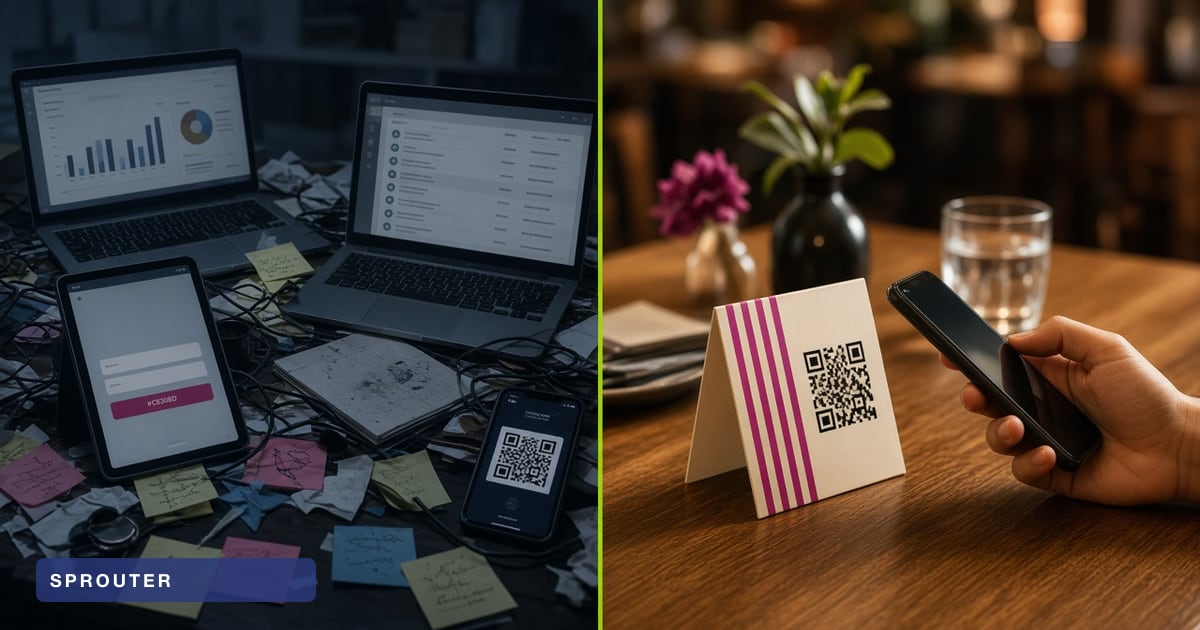
Flexible Placement Put QR codes on tables, at self-service stations, on product displays, or anywhere customers might want to pay. Enable payments without staffing every checkout point.
Dynamic Capabilities Dynamic QR codes can link to different payment amounts, collect additional information, or route customers to specific payment flows based on context.
Security Best Practices
Contactless payments are inherently secure, but best practices keep you protected.
Keep Terminals Updated
Payment terminals receive security updates from manufacturers. Ensure your terminal software stays current to protect against vulnerabilities.
Monitor Transaction Patterns
Watch for unusual activity—sudden spikes in transactions, multiple small purchases, or transactions at odd hours. Most processors provide monitoring dashboards.
Train Your Team
Staff should understand how contactless works so they can assist customers and recognize potential fraud. They should know not to override declined transactions or circumvent security features.
Beyond Payment: Contactless Customer Experience
Contactless technology extends beyond just taking payments. The same infrastructure enables broader customer experience improvements.
Contactless Menus and Information
QR codes at tables can link to digital menus, reducing printing costs and enabling instant updates. The same approach works for product information, wine lists, or service explanations.
Loyalty Program Integration
Link contactless payments to loyalty programs so customers earn rewards automatically without separate cards or apps. Mobile wallets increasingly support loyalty integration.
Customer Data Capture
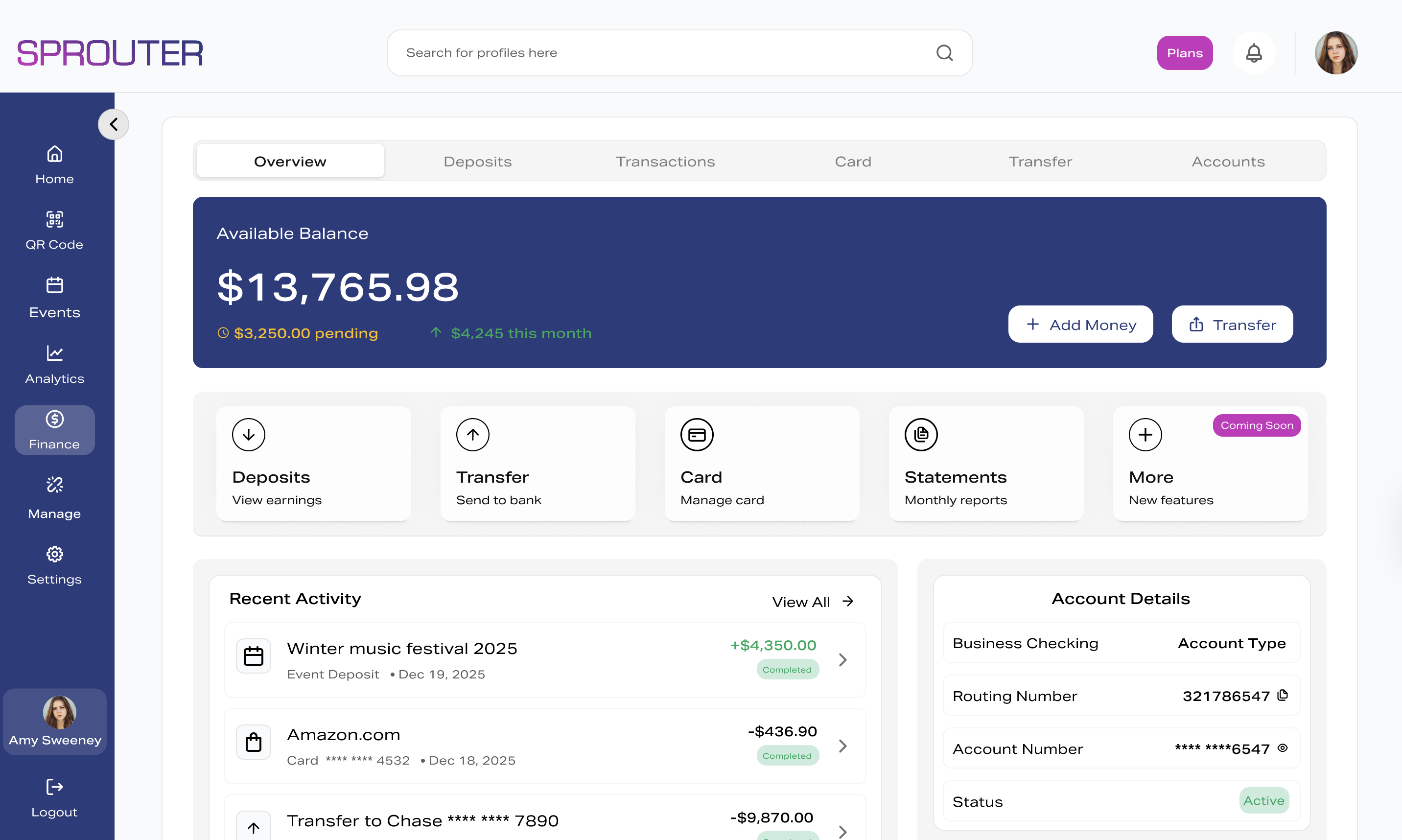
Unlike cash, contactless payments create data trails you can analyze. Understand purchase patterns, peak times, and customer behavior to optimize operations.
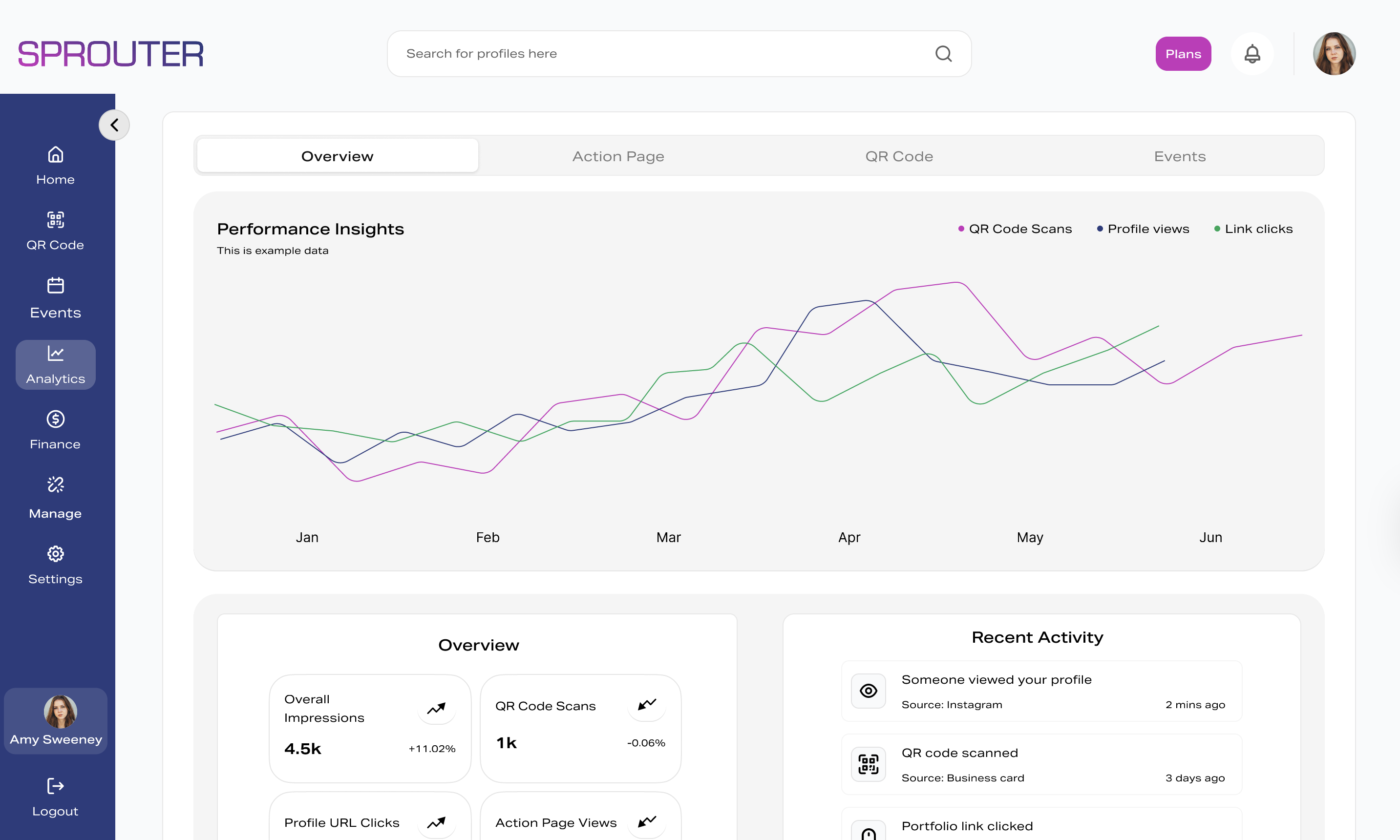
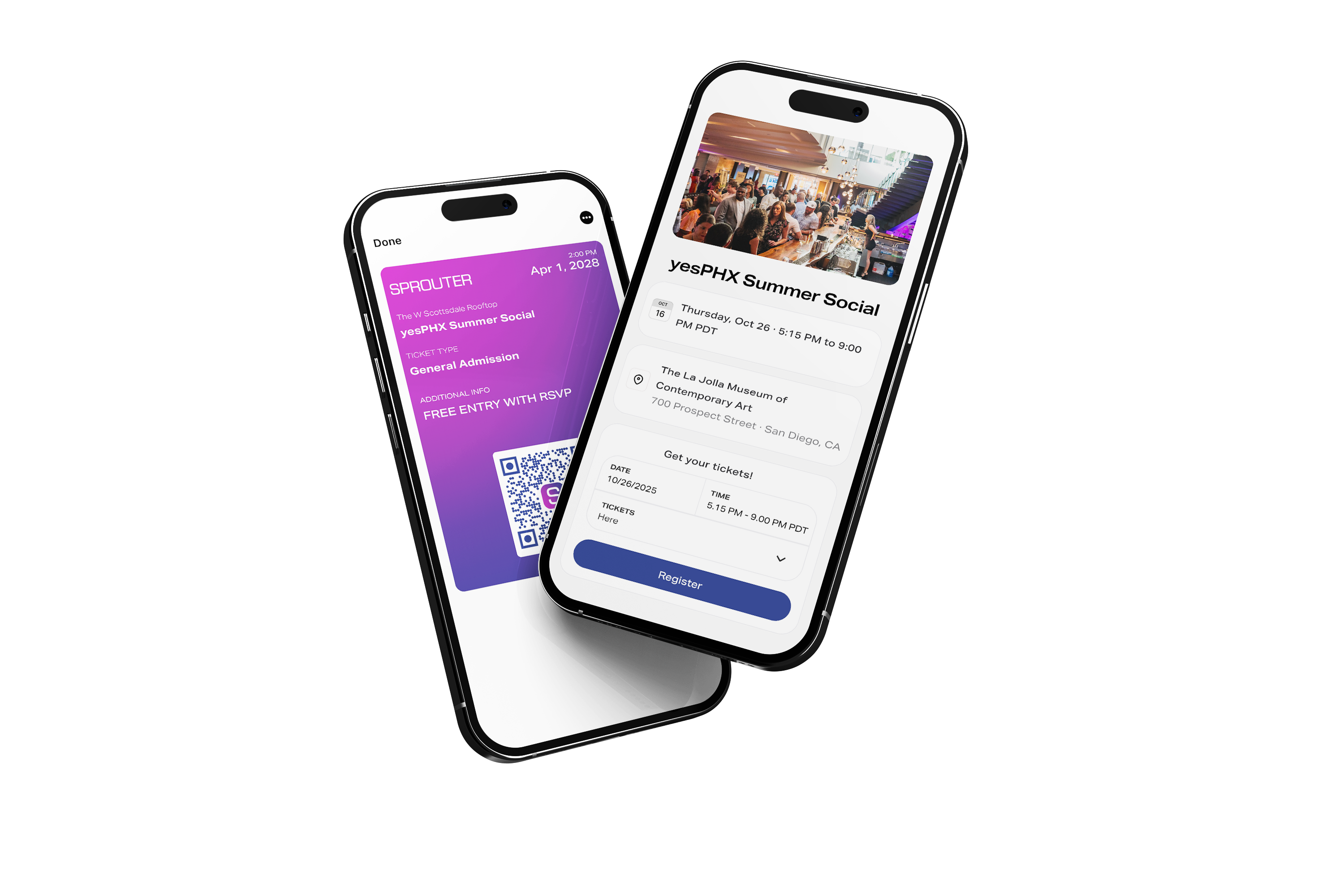
With platforms like Sprouter, you can connect your QR codes and contactless touchpoints to landing pages that capture customer information, integrate with your marketing, and build relationships beyond the single transaction.
Your Contactless Action Plan
Getting started doesn’t require massive investment. Here’s a practical path forward:
-
Assess your current setup. Does your existing terminal support contactless? If not, what would upgrading cost?
-
Evaluate your transaction patterns. High-volume, low-ticket businesses benefit most from tap-to-pay speed. Service businesses might prefer QR flexibility.
-
Compare processor options. Get quotes from multiple providers. Consider total costs, not just per-transaction rates.
-
Plan your rollout. Order signage, train staff, test thoroughly.
-
Monitor and optimize. Track contactless adoption among your customers. Identify friction points and address them.
The customers tapping their phones and watches today will be the majority tomorrow. Meeting them where they are isn’t just good service—it’s good business.
Sprouter helps small businesses accept payments, capture customer data, and build relationships through QR codes and Action Pages. See how contactless can work harder for your business.