
Sell Tickets Online With Clear Fees & Payouts
From free community gatherings to premium ticketed experiences, create events, accept supported checkout payments, track attendance, and receive eligible proceeds by ACH to your linked organizer bank account.
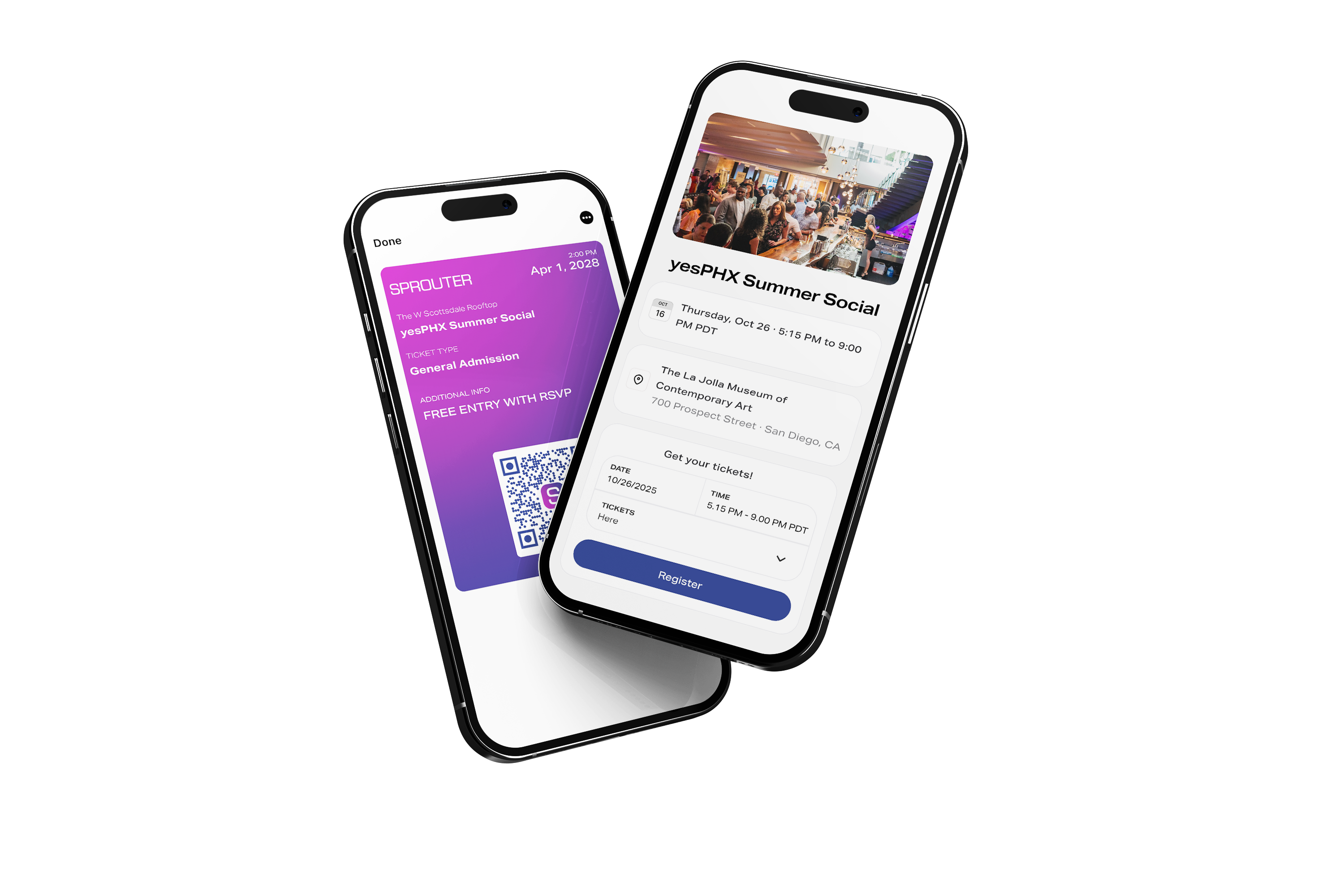
Events Your Way
Whether you're hosting a free meetup or a premium ticketed experience, Sprouter adapts to your needs
Zero Platform Fees
Host unlimited free events without any platform charges.
- No service fees
- No processing fees
- No monthly charges
Quick Setup
Create and publish your event in under 5 minutes.
- Drag-and-drop builder
- Mobile-optimized pages
- Instant publishing
RSVP Management
Track who's coming with built-in registration.
- Unlimited RSVPs
- Email confirmations
- Attendee list export
Free Events Are Actually Free
No catches. No hidden fees. Host your free community events without paying a dime.
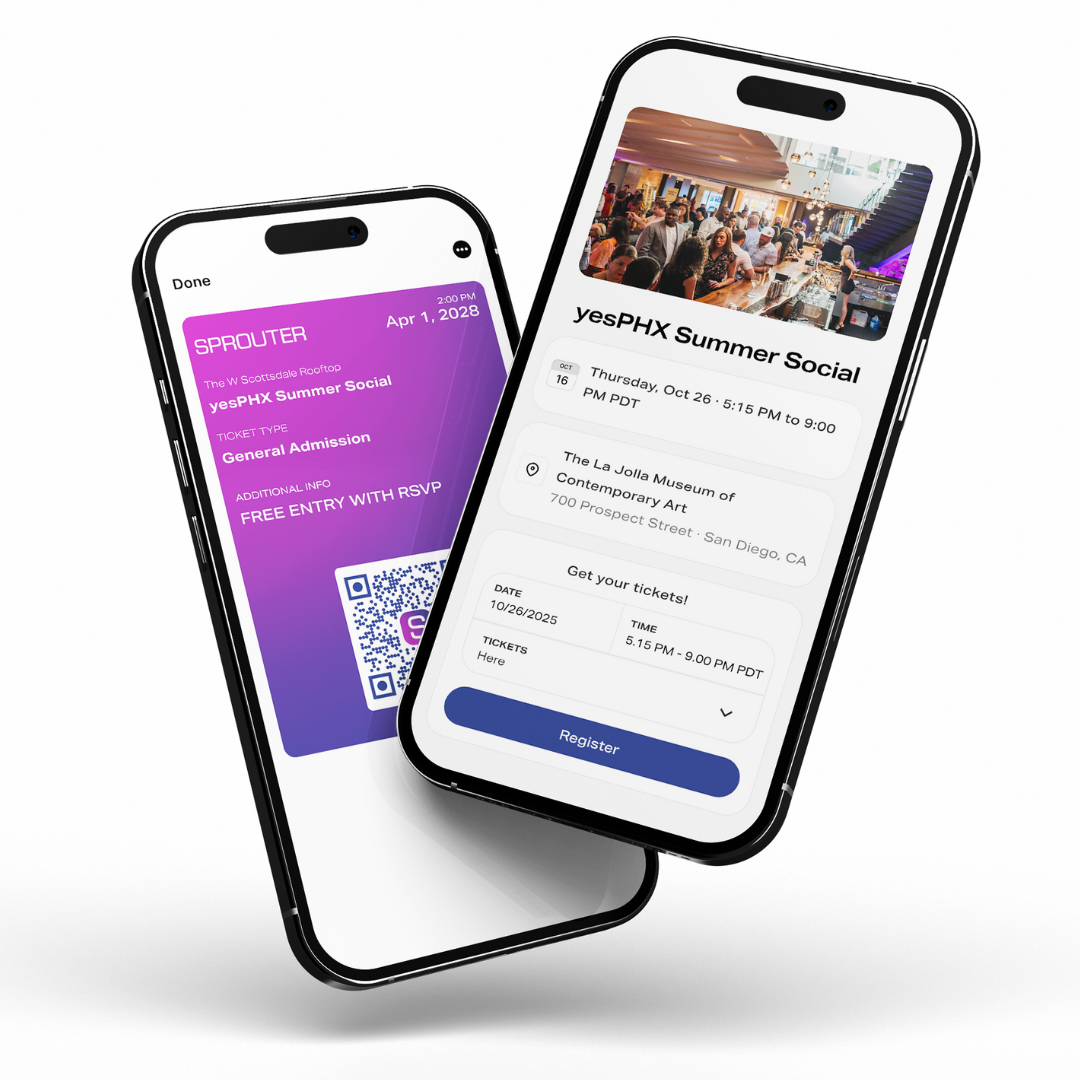
Secure Payments
Accept all major credit cards, Apple Pay, and Google Pay.
- Secure partner-processed checkout
- Fraud protection
- Multiple currencies
Multiple Ticket Tiers
Create VIP, early bird, GA, and custom tiers.
- Unlimited tiers
- Capacity limits
- Time-based pricing
Organizer ACH Payouts
Approved proceeds are sent to your linked organizer bank account.
- Post-event eligibility review
- Typically 1-3 business days after initiation
- Subject to reserves, refunds, and disputes
Low, Capped Fees for High-Volume Events
Pro+ members receive a 1% + $0.10 platform rate with a $5 per-ticket cap.
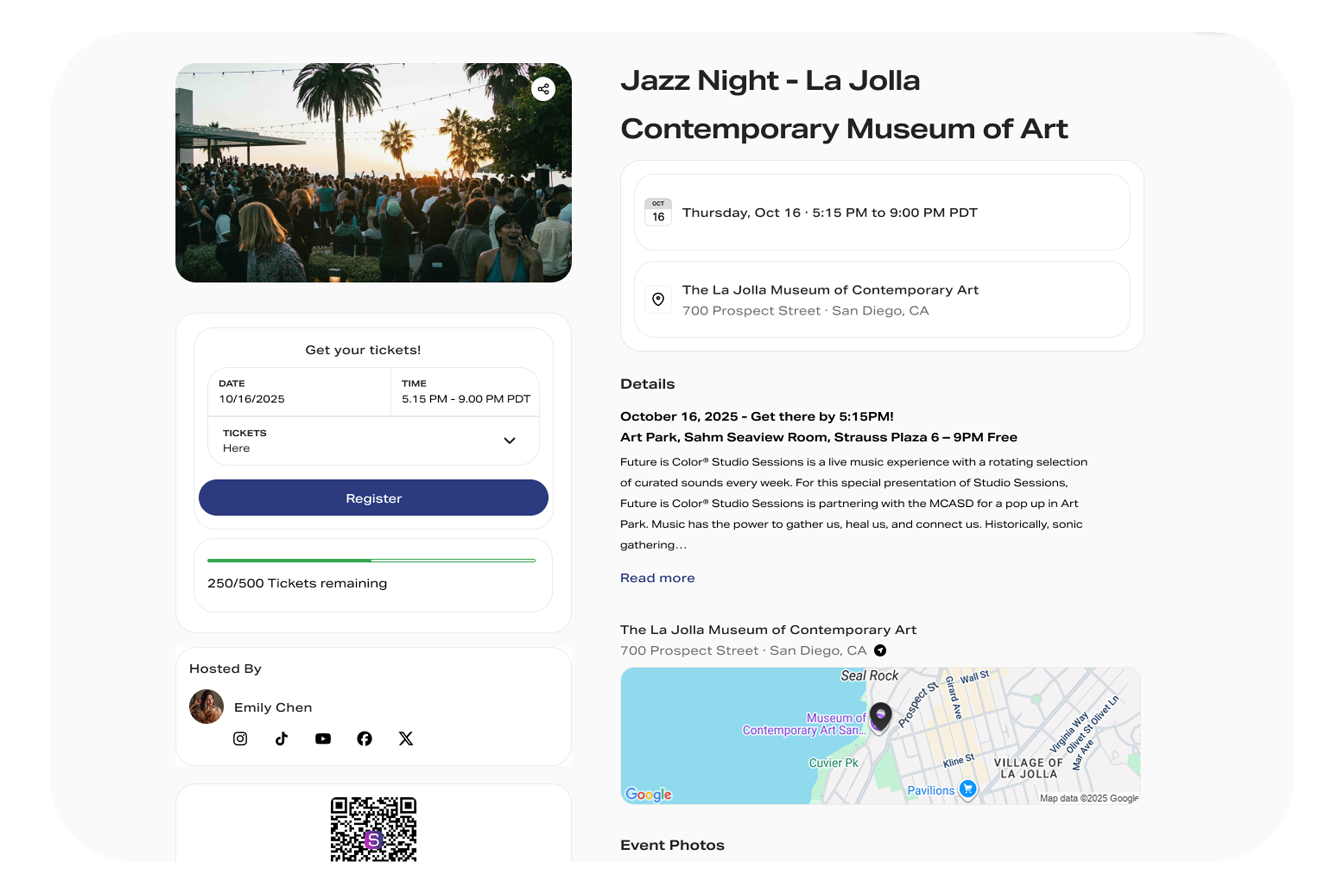
Built for Every Event Type
See how Sprouter adapts to your specific event needs with tailored features and workflows
From Open Mics to Stadium Tours
Whether you're booking a local band at a coffee shop or managing a multi-city tour, Sprouter scales with your sound.
Conferences That Mean Business
From intimate workshops to multi-day summits, create professional registration flows.
Festivals Made Effortless
Manage multi-day wristbands, camping add-ons, and day passes all in one place.
Sports Events Done Right
From youth leagues to professional matches, handle season passes, single-game tickets, and reserved seating with section-based pricing.
Nightlife Elevated
Table reservations, bottle service, guest lists, and cover charges all integrated. Manage door operations and VIP experiences seamlessly.
Community Gatherings
Perfect for meetups, workshops, classes, and local events.
Everything You Need to Succeed
A complete toolkit for event creation, management, and growth
Event Creation
Intuitive builder with templates for every event type
Ticket Tiers
Unlimited pricing options with capacity controls
QR Scanning
Fast check-in with offline support
Analytics
Real-time sales and attendance tracking
Multi-Channel
Email, SMS, and mobile wallet delivery
Organizer Payouts
Eligible proceeds paid by ACH to your linked bank
Team Management
Add staff with role-based permissions
Scheduling
Recurring events and series management
Part of the Complete Sprouter Platform
Events are just one piece. Connect them to your Action Pages, QR codes, and analytics for maximum impact.
Action Pages
Your events live on your Action Page alongside all your other content. One link to share everywhere.
- Promote events in your Instagram bio
- Cross-sell merch alongside tickets
- Build email list from event visitors
- Track which social posts drive sales
Dynamic QR Codes
Print posters and flyers once. Update where they point anytime. Track every scan.
- Venue posters that auto-update
- Flyers with real-time ticket counts
- Business cards linked to events
- Measure offline marketing ROI
Unified Analytics
See the complete journey from first click to check-in. Know exactly what's working.
- Full journey attribution
- Sales by channel breakdown
- Geographic and device insights
- Exportable reports for sponsors
Simple, Transparent Pricing
No hidden fees. See exactly what you pay and what you keep.
Example uses a $100 ticket. Processing fees (2.9% + $0.30 per order) are separate from the platform fee and included in total buyer fees. Under the default additive model, the organizer receives listed face value subject to authorized adjustments. Free events have no ticket-sale fees. *Timing begins after payout eligibility review and initiation, not at event end.
Frequently Asked Questions
Everything you need to know about hosting events on Sprouter
What is the cheapest event ticketing platform?
The cheapest event ticketing platforms offer low or no fees for free events and competitive rates for paid tickets. Sprouter offers zero ticket-sale fees for free events and Pro+ platform fees as low as 1% + $0.10 per paid ticket, capped at $5, plus separately disclosed processing. Compare each platform's complete current fee schedule before choosing.
How do I sell tickets online without high fees?
To sell tickets online without high fees: 1) Choose a platform with transparent, low pricing like Sprouter, 2) Compare fee structures—look for capped fees on expensive tickets, 3) Use free event hosting for registration-only events, 4) Consider passing fees to buyers or absorbing them based on your pricing strategy. Sprouter's Pro+ plan caps fees at $5 per ticket regardless of ticket price.
When do event organizers receive their payouts?
An event ending makes ticket proceeds eligible for payout review. Once eligible proceeds are approved and the payout is initiated, ACH delivery to the organizer's linked bank account typically takes 1–3 business days. Event end and payout initiation are separate events, and timing can be affected by reserves, refunds, disputes, compliance review, bank holidays, or the receiving bank.
How do I create an event on Sprouter?
Creating an event on Sprouter takes just minutes: Sign up for a free account, click 'Create Event' from your dashboard, enter your event details (name, date, location, description), add ticket types with pricing, customize your event page with images and branding, and publish. Your event is immediately live and ready to sell tickets. You can edit any details anytime before the event.
What types of events can I host on Sprouter?
Sprouter supports all event types: concerts and music festivals, conferences and workshops, sports events and tournaments, food and wine tastings, networking meetups, classes and courses, theater and performances, fundraisers and galas, community gatherings, virtual and hybrid events, and private parties. Whether you're expecting 10 attendees or 10,000, Sprouter scales to your needs.
How does QR check-in work at events?
Each ticket includes a unique QR code that attendees receive via email and can access in their Sprouter Ticket Wallet. At your event, use the free Sprouter Scanner app (iOS/Android) to scan tickets at entry. The app validates tickets instantly, prevents duplicate entries, and tracks check-in progress in real-time. You can assign multiple staff members as scanners and monitor attendance from your dashboard.
Can I sell multiple ticket types for one event?
Yes! Sprouter allows unlimited ticket types per event. Create General Admission, VIP, Early Bird, Group packages, or any custom tier you need. Each ticket type can have its own price, quantity limit, sale dates, and description. You can also create promo codes for discounts and set up hidden tickets for special access.
What happens if my event is cancelled?
If you need to cancel an event, Sprouter makes refunds simple. From your event dashboard, you can issue full or partial refunds to all attendees with one click. Refunds are processed back to the original payment method within 5-10 business days. Sprouter doesn't charge fees on refunded tickets. You can also reschedule events and notify all ticket holders automatically.
Can I transfer my tickets to someone else?
Yes, Sprouter tickets are transferable. Attendees can transfer their tickets to another person directly from their Ticket Wallet by entering the recipient's email. Event organizers can also enable or disable transfers in their event settings. The new ticket holder receives the QR code and full access while the original purchaser's ticket is deactivated.
Does Sprouter handle taxes for ticket sales?
Event organizers are responsible for determining, collecting, reporting, and remitting applicable taxes. Available checkout and reporting tools may assist with configured tax amounts, but they are not tax advice and do not determine an organizer's obligations. Consult a qualified tax professional for your event and jurisdiction.
Have more questions about event ticketing?
Contact Our TeamReady to Create Your Event?
Start free, then upgrade when you need more.