

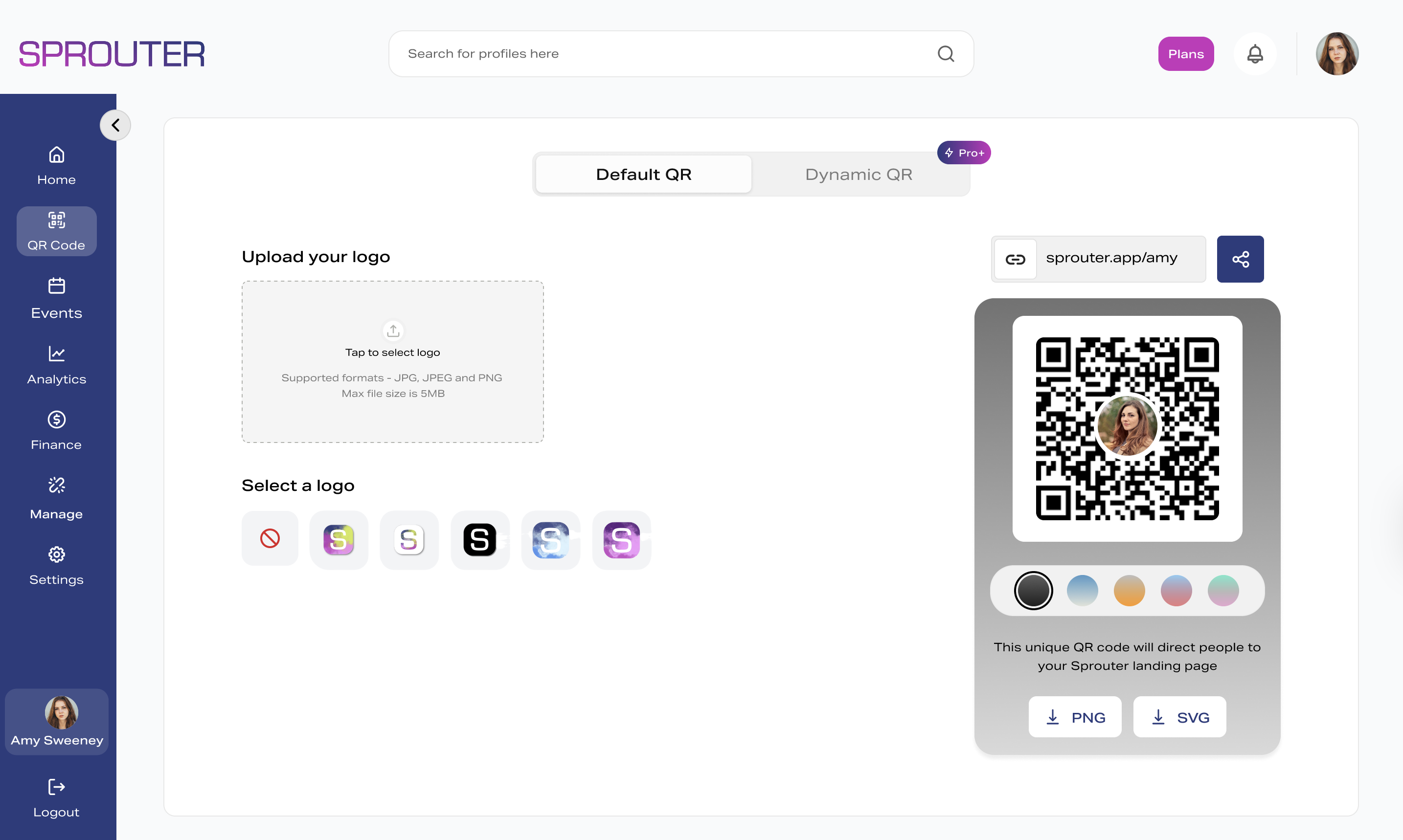
A GS1 QR code and a regular QR code look identical to the naked eye. Both are square, black-and-white matrix codes that any smartphone can scan. But the data inside them is fundamentally different — and that difference determines whether the code works at a retail checkout.
The short version: a GS1 QR code embeds a structured GS1 Digital Link URL containing standardized product identification data. A regular QR code contains… whatever you put in it.
The Technical Difference
Regular QR Code encodes arbitrary data — a URL, a phone number, a block of text, a WiFi password. There are no rules about what goes inside. A QR code pointing to https://mybrand.com/summer-promo is perfectly valid.
GS1 QR Code encodes a GS1 Digital Link URL that follows a strict structure defined by ISO/IEC 18975:2024. The URL must contain a valid GTIN (Global Trade Item Number) encoded using GS1 Application Identifiers.
Example regular QR:
https://mybrand.com/products/sparkling-waterExample GS1 QR:
https://resolver.sprouter.gs/01/09506000134376The /01/ is Application Identifier 01 (GTIN), and 09506000134376 is the actual product number. This structure is what makes the code machine-readable at POS.
Why This Matters at Checkout
A point-of-sale scanner is programmed to extract specific data from barcodes. When it scans a traditional UPC barcode, it reads the GTIN and looks it up in the store’s product database.
When a POS scanner reads a GS1 QR code, it parses the Digital Link URL, extracts the GTIN from the structured path, and processes it exactly like a traditional barcode scan. The checkout works.
When a POS scanner reads a regular QR code, it sees an arbitrary URL. There’s no GTIN to extract. The checkout fails — or worse, errors silently.
This is why the GS1 Sunrise 2027 initiative specifically requires GS1 Digital Link QR codes, not just any QR codes.
Feature Comparison
| Capability | Regular QR | GS1 QR |
|---|---|---|
| Smartphone scannable | Yes | Yes |
| POS scannable | No | Yes |
| Contains product identifier (GTIN) | No | Yes |
| Supports batch/lot numbers | No standard | Yes (AI 10) |
| Supports serial numbers | No standard | Yes (AI 21) |
| Supports expiration dates | No standard | Yes (AI 17) |
| Multiple content destinations | No | Yes (57 link types) |
| Resolver-based routing | Optional | Required |
| Globally standardized format | No | ISO/IEC 18975:2024 |
| Works for Sunrise 2027 | No | Yes |
Data Capacity
Both regular and GS1 QR codes use the same QR code specification (ISO/IEC 18004). The physical format is identical — same error correction levels, same module structure, same scanning mechanics.
The difference is purely in what data is encoded:
A GS1 QR code for a basic product (GTIN only) encodes roughly 50-60 characters. Add a batch number and serial number and you’re at 80-100 characters. This is well within QR code capacity.
A regular QR code might encode a short URL (30 characters) or a long URL with tracking parameters (200+ characters).
Print size depends on data volume and error correction level, not on whether the code is “GS1” or “regular.” Both can be optimized for minimum print area.
When to Use Each Type
Use a GS1 QR Code When:
- The code goes on product packaging sold at retail
- The product needs to scan at POS checkout
- You need to encode product identification data (GTIN, batch, serial)
- You’re preparing for GS1 Sunrise 2027 compliance
- You want one code that serves both retail and consumer purposes
Use a Regular QR Code When:
- You’re linking to a marketing campaign or promotional URL
- The code goes on printed materials (flyers, posters, business cards)
- There’s no retail checkout involved
- You need a simple link to a website, app download, or social profile
- You’re building event tickets or check-in systems
The key question: Will this code ever need to be scanned at a point-of-sale terminal? If yes, it needs to be a GS1 QR code.
Common Misconceptions
“I can just put my GTIN in a regular QR code” You can encode a GTIN as plain text in a regular QR code, but POS scanners won’t recognize it. The GS1 Digital Link URL structure is what makes the GTIN extractable at checkout.
“GS1 QR codes require special scanning apps” No. Any smartphone camera scans a GS1 QR code as a regular URL — because it is a regular URL. The GS1 structure is transparent to consumers.
“GS1 QR codes are bigger/harder to print” Not necessarily. A GS1 QR code encoding just a GTIN is actually smaller than many marketing QR codes with long URLs and UTM parameters.
“I can convert my existing QR codes to GS1” You cannot retrofit a regular QR code. The data is physically encoded in the pattern. You need to generate new QR codes with GS1 Digital Link URLs and reprint.
How to Generate GS1 QR Codes
Generating a GS1-compliant QR code requires:
- A valid GTIN registered with GS1 — not a made-up number
- A GS1 Digital Link URL structured per the standard
- A conformant resolver to host the URL endpoint
- Print-ready output in the right format (SVG, EPS, or PDF for print — never JPEG)
Sprouter’s GS1 QR code generator handles all of this. Enter your GTIN, configure your resolver links, and download print-ready codes in four formats.
If you’re unsure whether your existing barcodes meet GS1 requirements, run them through our compliance checklist first.
The Bottom Line
If your products are sold at retail, you need GS1 QR codes — not regular ones. The Sunrise 2027 deadline is approaching, and the distinction between these two types of codes is the difference between a checkout that works and one that doesn’t.
Regular QR codes are perfect for marketing, events, and non-retail use cases. GS1 QR codes are required for product packaging.
Learn more about GS1 compliance or generate your first GS1 QR code.